Support
Before Asking
Most problems have already been solved by someone else, so check these first:
- The FAQ
- The troubleshooting page for your probe: Cartographer, Beacon, BTT Eddy or Eddy NG
- That you are on the latest Simple AF, see Updating
- If the printer will not boot or you cannot get in, see Factory Reset and Emergency Factory Reset
Where to Ask
- The Simple AF Discord is the best place for help
- If you have found a bug, raise an issue on GitHub
What to Include
The more you include the faster someone can help you:
- Your printer model, for example K1 Max or Ender 3 V3 KE
- Your probe and mount
- Whether you are on Simple AF or Simple AF for RPi, and Klipper or Kalico
- What you were doing and the exact error message, a screenshot is fine
- A
support.zip, see below
Support ZIP
If you have been asked to provide a support.zip file in the Simple AF discord, there are a few ways to do this.
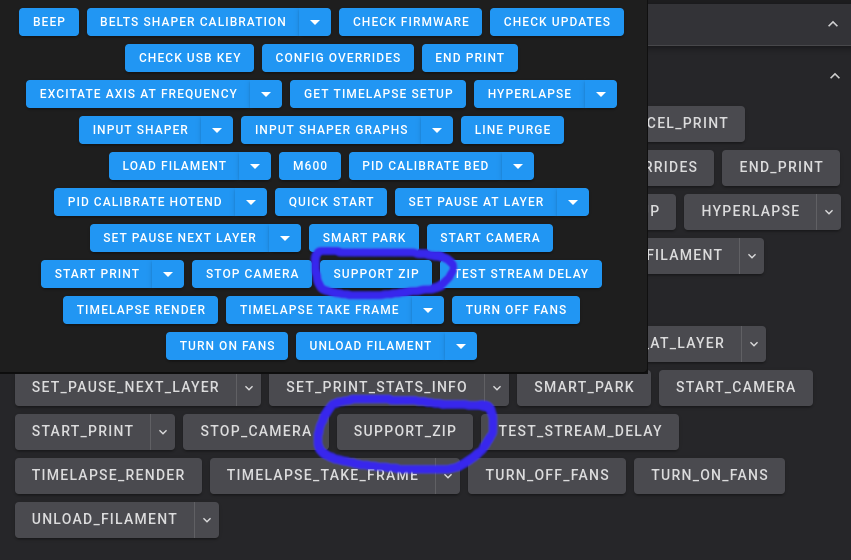
Via Fluidd or Mainsail
Run the SUPPORT_ZIP macro from Fluidd or Mainsail
Via GrumpyScreen
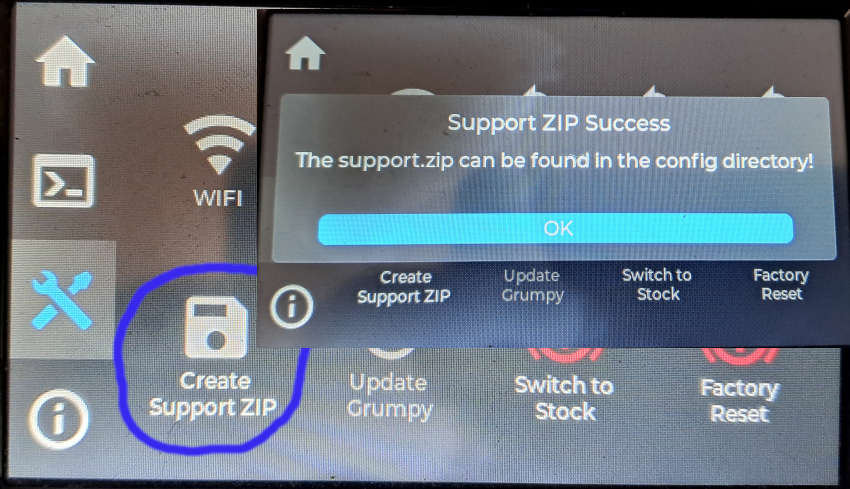
Click the Create Support ZIP button from the Tools menu of GrumpyScreen, be sure to wait for the success message
as it can take a while to generate the zip file.
Via SSH
Run ~/pellcorp/tools/support.sh from ssh on the printer.
Where can I find the support.zip?
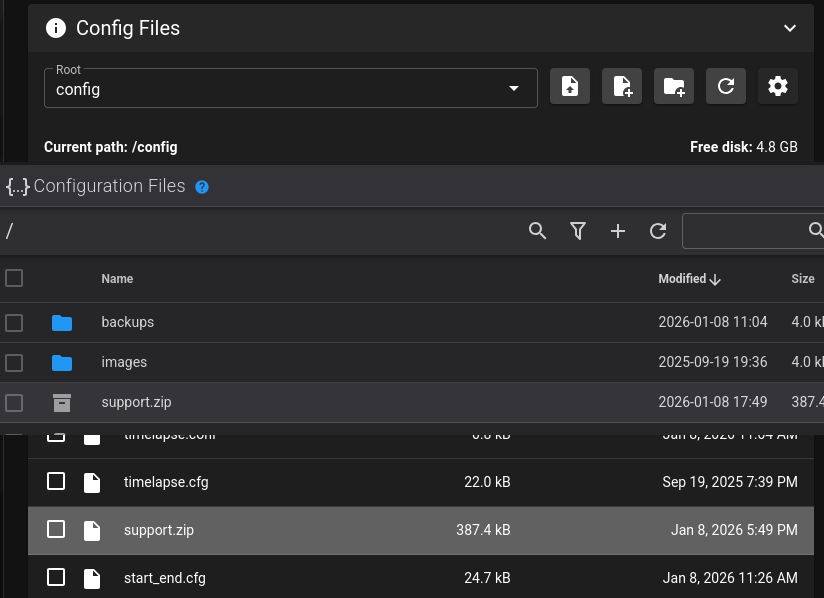
In all cases the support.zip can be found in the ~/printer_data/config or the config section of Fluidd or Mainsail.
You need to somehow download this zip file to your local desktop / laptop so you can then upload it to discord.