Simple AF Fluidd and Mainsail Themes
Danger
This will wipe out any custom theme you have, to avoid this backup any ~/printer_data/config/.theme or ~/printer_data/config/.fluidd-theme before running the change-theme.sh command!
Make sure your local pellcorp/creality git repo is up to date first:
Note
You do not need to run a ~/installer.sh --update after the --branch main, we just need the repo updated.
To see the available themes:
To install a theme, for example the chefs theme:
To remove the theme and go back to the default Simple AF logo run:
Refresh Fluidd or Mainsail after changing the theme.
Themes
chefs
Chefs Edition by sterling5241/Chef Armstrong - The Simple AF theme with an animated printer in the bottom right corner
| Fluidd | Mainsail |
|---|---|
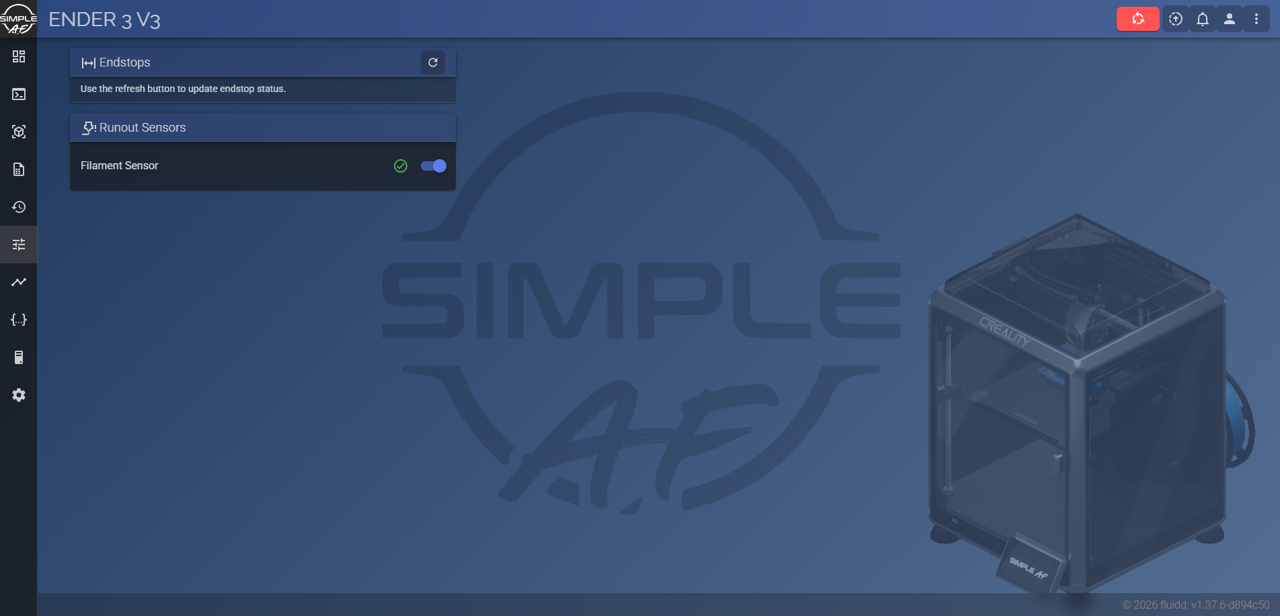 |
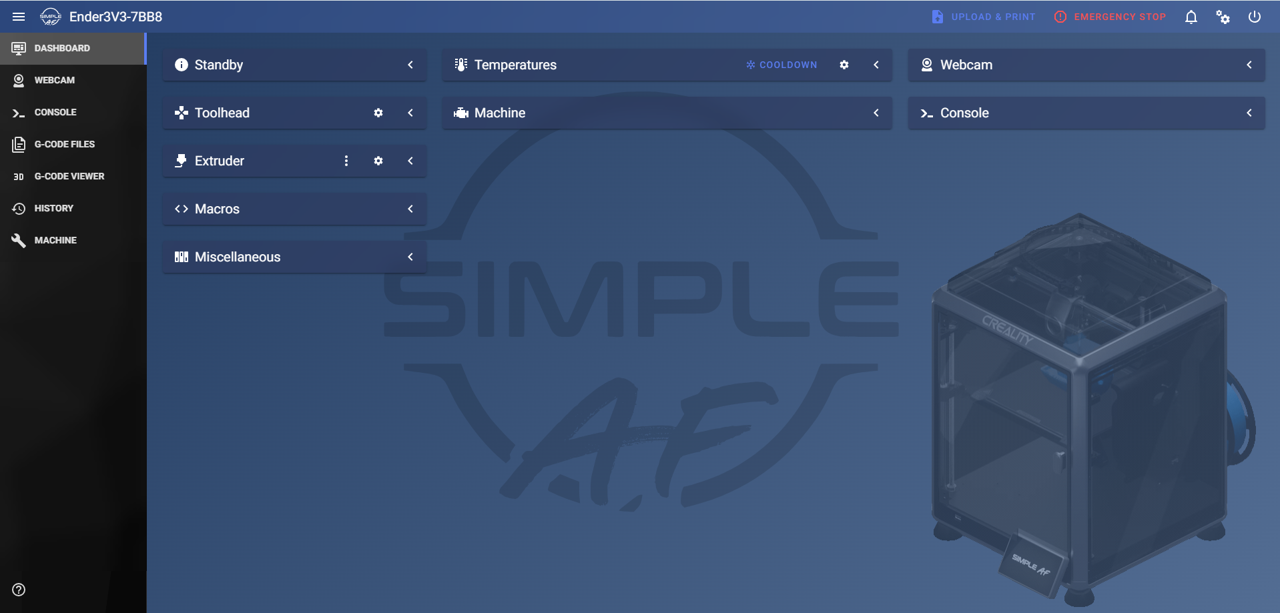 |
sterling
Sterling by sterling5241 - The original Simple AF theme
| Fluidd | Mainsail |
|---|---|
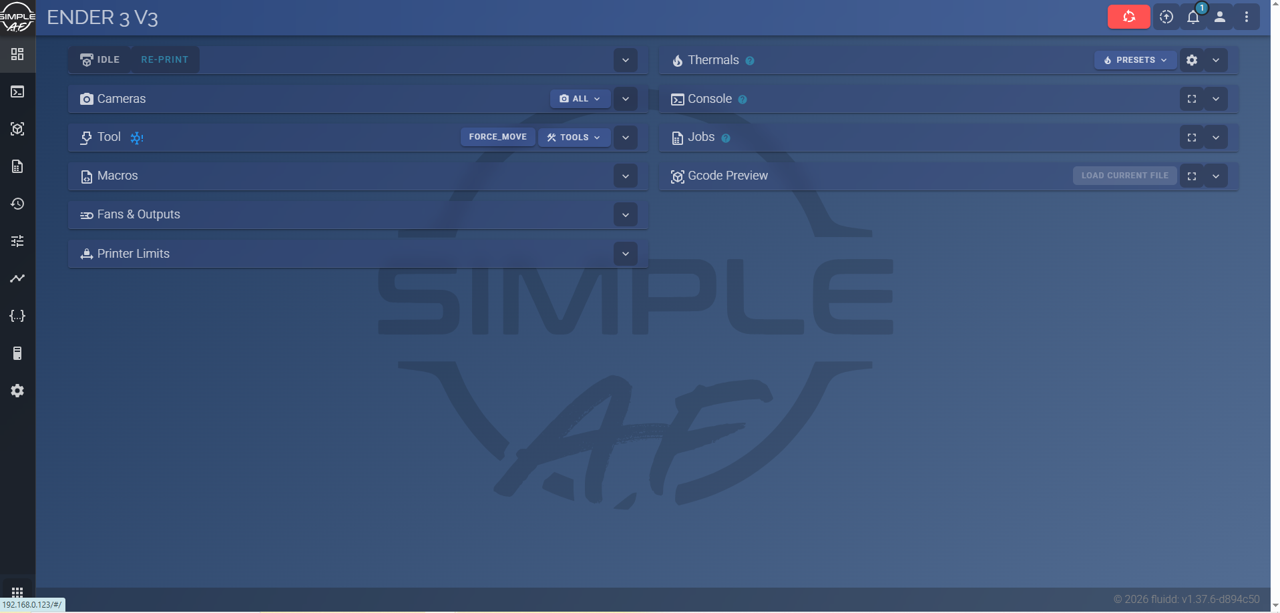 |
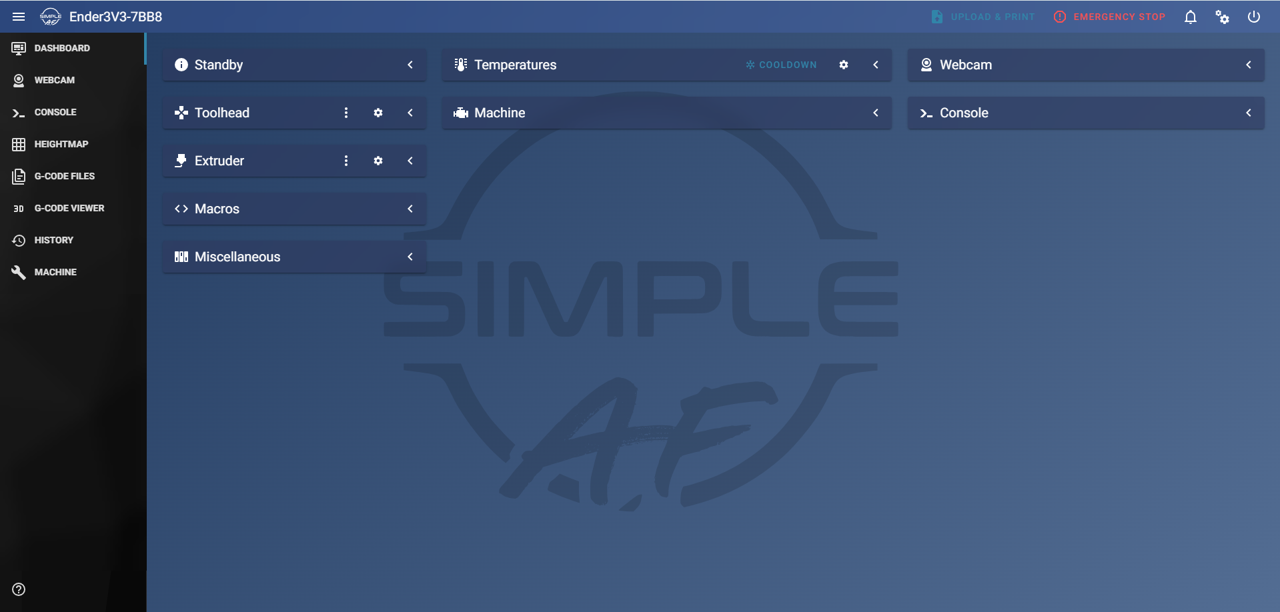 |
Making a Theme
See Making a Simple AF Theme if you would like to make your own theme.